Home Depot Delivery NYC Delivery Options
Home Depot is your go-to destination for a wide range of home improvement and construction supplies. Many Home Depot stores in NYC offer convenient in-store and curbside pickup options, making it easier for you to get the items you need without the hassle.
Explore our list of NYC stores below for specific location details
and delivery services offered.
List of NYC Home Depot Delivery stores
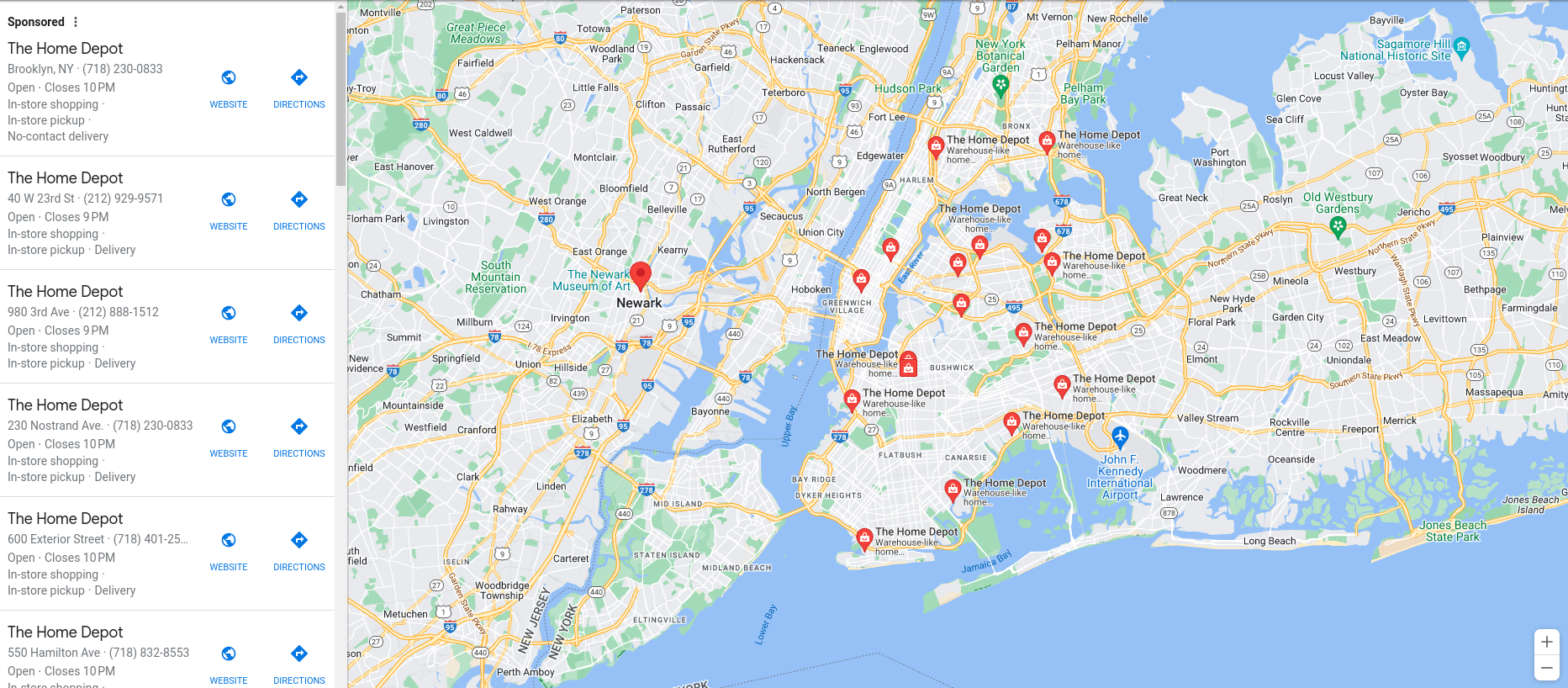
| Address | Avg. Delivery Time | In-Store / Curbside Pickup | ID Required | Issues | Tips |
|---|---|---|---|---|---|
| Home Depot Delivery at 40 West 23rd Street, New York, NY | 42 minutes | In Store Only | No | - | Provide your order confirmation number and make sure your item is ready for pickup! |
| Home Depot Delivery at 550 Hamilton Ave, Brooklyn, NY | 1 hour | In Store Only | No | Requires courier to have screenshot of your order confirmation email. | Send a screenshot of your order confirmation email barcode to the courier once assigned! |
| Home Depot Delivery at 600 Exterior Street, Bronx, NY | 46 minutes | In Store Only | No | Requires courier to have screenshot of your order confirmation email. | Send a screenshot of your order confirmation email barcode to the courier once assigned! |
| Home Depot Delivery at 86 Jericho Turnpike, Jericho, NY | 45 minutes | Both | No | - | Provide your order confirmation number and make sure your item is ready for pickup! |
| Home Depot Delivery at 92-30 168th St, Queens, NY | 1 hour | In Store Only | No | Requires courier to have screenshot of your order confirmation email. | Send a screenshot of your order confirmation email barcode to the courier once assigned! |
| Home Depot Delivery at 980 3rd Ave, New York, NY | 45 minutes | In Store Only | No | - | Provide your order confirmation number and make sure your item is ready for pickup! |
How to use Getcho for Home Depot Delivery delivery in NYC
Getcho is an on-demand delivery service in NYC that will pick up your curbside orders for you! What sets Getcho apart is its commitment to providing unparalleled convenience and customer support. No matter how busy your schedule is or where you are located in NYC, Getcho offers same-day nyc delivery, giving you your precious time back.
Place a curbside pickup or store pickup order at Home Depot Delivery, then use the Getcho app to send a driver to pick up your purchase and deliver it to your door.
How to Get Home Depot Delivery Delivery with Getcho
- Place your order at Home Depot Delivery and select the store pickup option at checkout.
- After your purchase, you will receive an email confirmation with your order details.
- Once your order is ready for pickup, open the Getcho app and request a delivery.
- Share any pickup details (order number, locker code, etc.) with your Getcho driver.
Your Getcho driver will pick up your order and deliver it straight to your door — often within hours.